TrueLuck Registration, Login and Verification Process

Welcome to TrueLuck, where creating your account opens the door to premium casino games, live betting, and exclusive offers for Ireland players. Registration takes just minutes and gives you instant access to sports markets and slot titles. Your login credentials keep your account secure, while verification protects your funds and guarantees fast withdrawals. The process works smoothly on both the website and mobile app, and our support team is ready to help at every stage. New players can claim the Welcome pack: 250% up to €4,000 + 175 FS on Slots, 250% up to €2,000 on Live Casino, 100% up to €300 on Sport.

TrueLuck casino registration page showing login form and account verification steps for Irish players

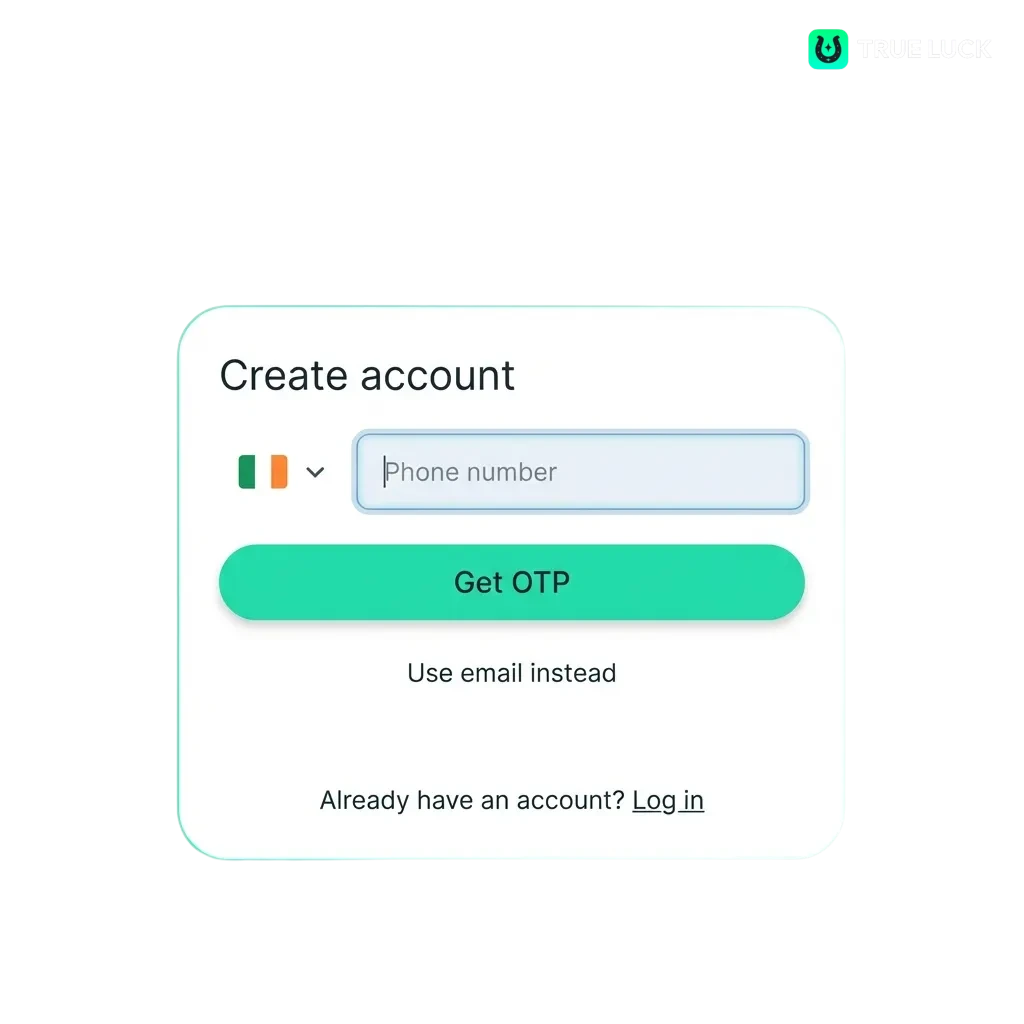
TrueLuck Sign Up Instructions

Creating your account is quick and gives you access to all gaming options. Follow these steps to complete registration and start playing.

Step 1

Step 1: Open the Registration Form

Click the “Sign up” button below to open the account creation page.
Step 2

Step 2: Choose Your Registration Method

Select email, phone number, or one-click option to create your profile.

Step 3

Step 3: Enter Your Details

Provide your name, date of birth, address, and currency preference.

Step 4

Step 4: Set Your Password

Create a strong password and confirm it to secure your profile.

Step 5

Step 5: Confirm Your Account

Accept the terms, complete any required captcha, and submit the form to finish.

Sign up

Registration via Mobile App TrueLuck

The mobile app offers the same registration methods as the website, but the interface is optimised for smaller screens. Here’s how to create your profile once you’ve downloaded the app.

Step 1

Step 1: Launch the App

Open TrueLuck on your device and tap the registration button on the home screen.

Step 2

Step 2: Select Your Preferred Method

Choose email, phone, or one-click registration depending on your preference.

Step 3

Step 3: Fill in Your Information

Enter your personal details, including name, date of birth, and address.

Step 4

Step 4: Create Your Password

Set a secure password and confirm it to protect your profile.

Step 5

Step 5: Submit and Verify

Accept the terms, complete the captcha if prompted, and tap submit to finish.

Register TrueLuck

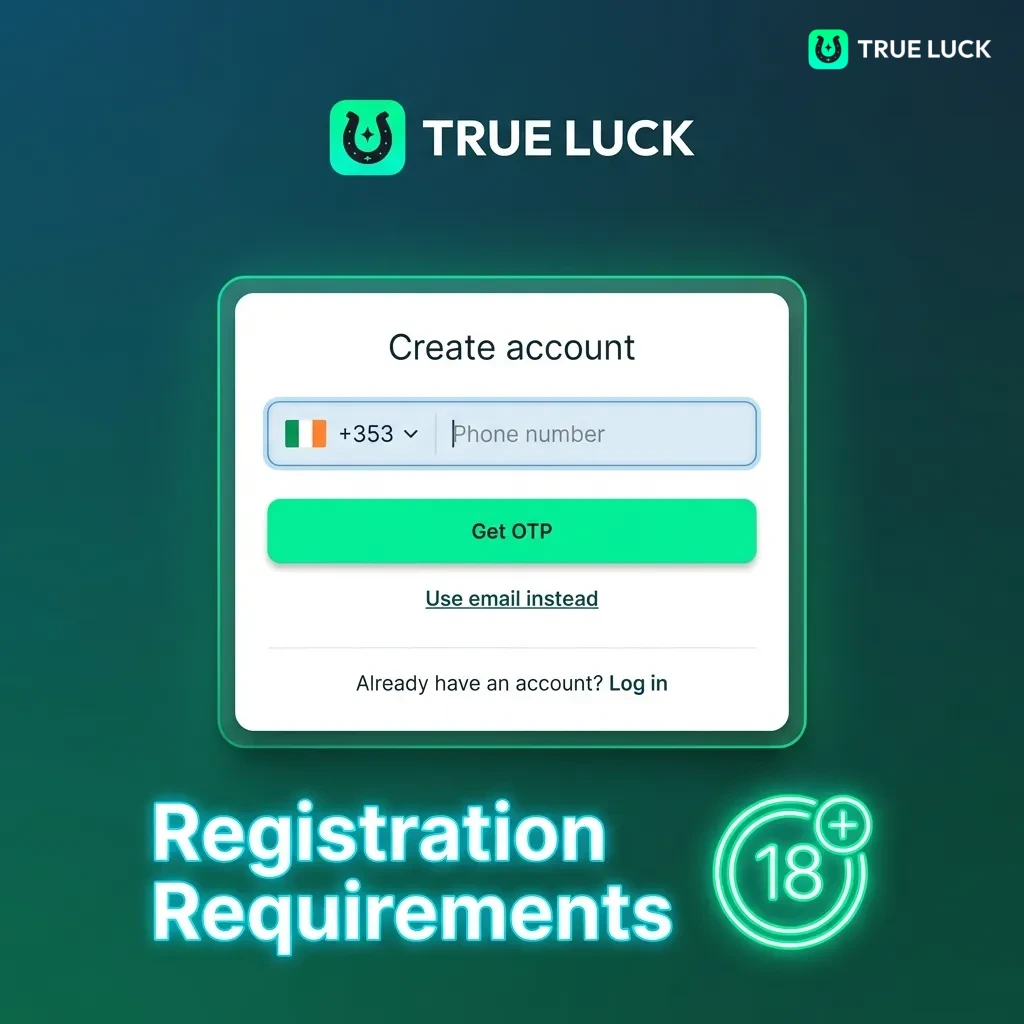
Registration Requirements

Before you sign up, make sure you meet the platform’s conditions. These rules protect both you and the site, and they’re standard across licensed operators in Ireland. All users must comply to create and maintain an active profile.

  1. You must be at least 18 years old to register and play.
  2. Only one account per person is allowed.
  3. You must provide accurate personal information during the registration process.
  4. You’ll need to verify your identity by uploading a government-issued ID or passport.
  5. Proof of address may be required to complete verification and process withdrawals.
Registration requirements page showing age verification, single account rule, and identity document guidelines.

TrueLuck Account Verification Process

Verification confirms your identity and protects your funds from unauthorised access. It’s required before you can withdraw winnings, and it’s a standard procedure for all licensed platforms in Ireland. The process is straightforward and usually completes within 24 hours.

Step 1

Stage 1: Submit Identity Document

Upload a clear photo of your passport, driver’s licence, or national ID card.

Step 2

Stage 2: Provide Proof of Address

Submit a recent utility bill, bank statement, or official document showing your name and address.

Step 3

Stage 3: Wait for Approval

The team reviews your documents and updates your profile status once everything is confirmed.

Step 4

Stage 4: Receive Confirmation

You’ll get an email or notification once verification is complete, and withdrawal limits will be removed.

Login to TrueLuck Account

Once you’ve created your profile, you can log in anytime to place bets, play games, or manage your balance. Here’s how to access your dashboard.

Step 1

Step 1: Go to the Login Page

Click the “Log in” button below to open the sign-in form.

Step 2

Step 2: Enter Your Credentials

Type in the email or phone number you used during registration, along with your password.

Step 3

Step 3: Complete Security Check

If prompted, solve the captcha or confirm two-factor authentication.

Step 4

Step 4: Access Your Dashboard

Click submit to enter your profile and start playing.

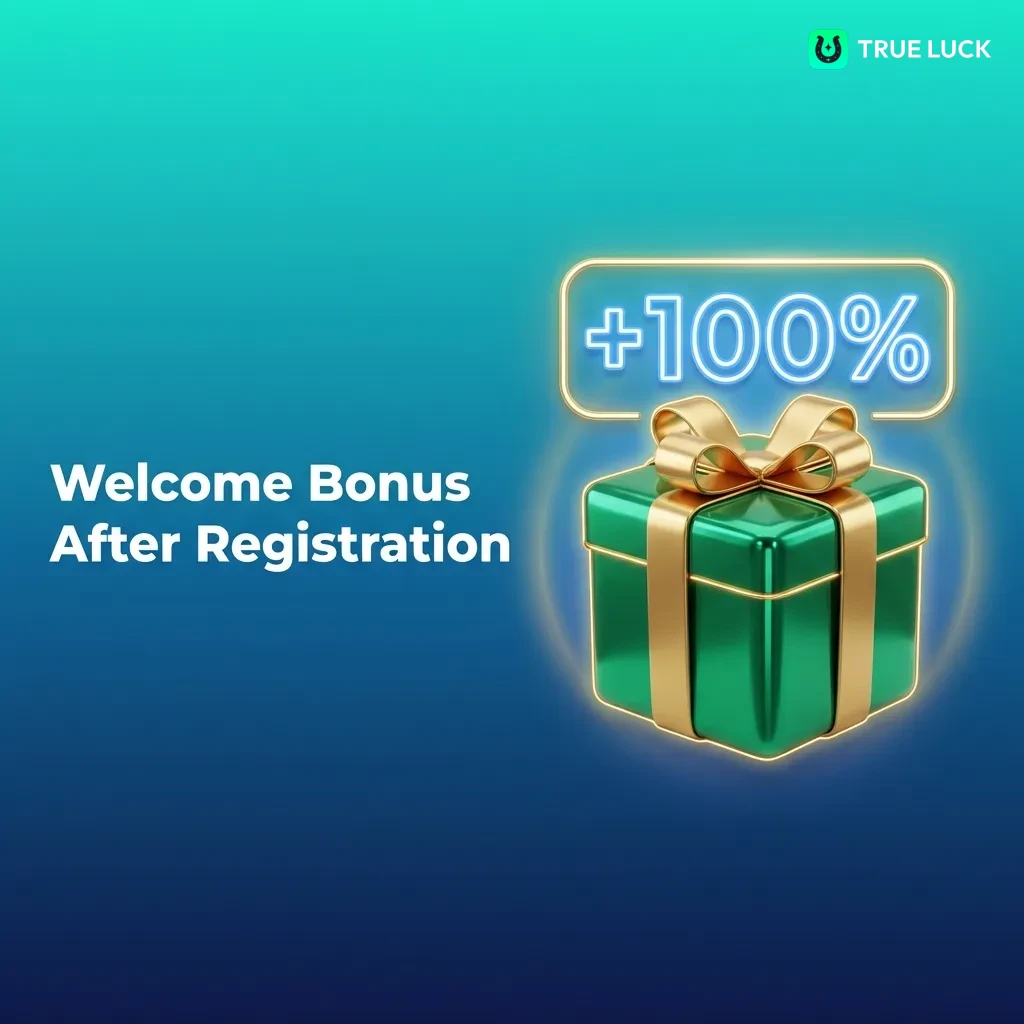
Welcome Bonus After Registration

New players can claim a generous welcome package that covers slots, live casino, and sports betting. The bonus structure gives you more funds to explore the platform and try different games. Each part of the package has its own conditions, so check the details before you deposit.

Bonus Type Amount Minimum Deposit Wagering Requirement
Slots 250% up to €4,000 + 175 FS €20 40x bonus + deposit
Live Casino 250% up to €2,000 €20 40x bonus + deposit
Sport 100% up to €300 €10 10x bonus + deposit

The free spins are credited in batches over several days, and you need to wager the winnings before withdrawal. The sports bonus requires you to place bets at minimum odds of 1.50.

Casino welcome bonus table showing slots, live casino, and sports betting offers with deposit and wagering details
Get a bonus

Learn How to Get a Welcome Bonus

Activating your welcome package is simple once you’ve completed registration. Follow these steps to claim your bonus and start playing.

Step 1

Step 1: Create and Verify Your Account

Complete the sign-up process and upload your documents if verification is required.

Step 2

Step 2: Make Your First Deposit

Go to the cashier, choose your payment method, and deposit at least €20 for casino bonuses or €10 for sports.

Step 3

Step 3: Select Your Bonus

If prompted, choose the welcome package you want to activate during the deposit process.

Step 4

Step 4: Start Playing

The bonus credits appear in your balance, and you can use them according to the terms.

Potential Issues when Registering an Account

Most users complete registration without problems, but some common issues can slow the process. Here’s how to resolve them quickly.

  • Problem: Registration form won’t submit | Solution: Clear your browser cache, disable VPN, and try again.
  • Problem: Email confirmation not received | Solution: Check your spam folder and add the platform to your safe sender list.
  • Problem: Phone number already registered | Solution: Use a different number or contact support to check if you have an existing profile.
  • Problem: Age verification fails | Solution: Double-check that your date of birth matches your ID document exactly.
  • Problem: Account locked after registration | Solution: Contact customer support to verify your identity and reactivate access.
Troubleshooting guide showing common account registration problems and solutions with bullet points and icons

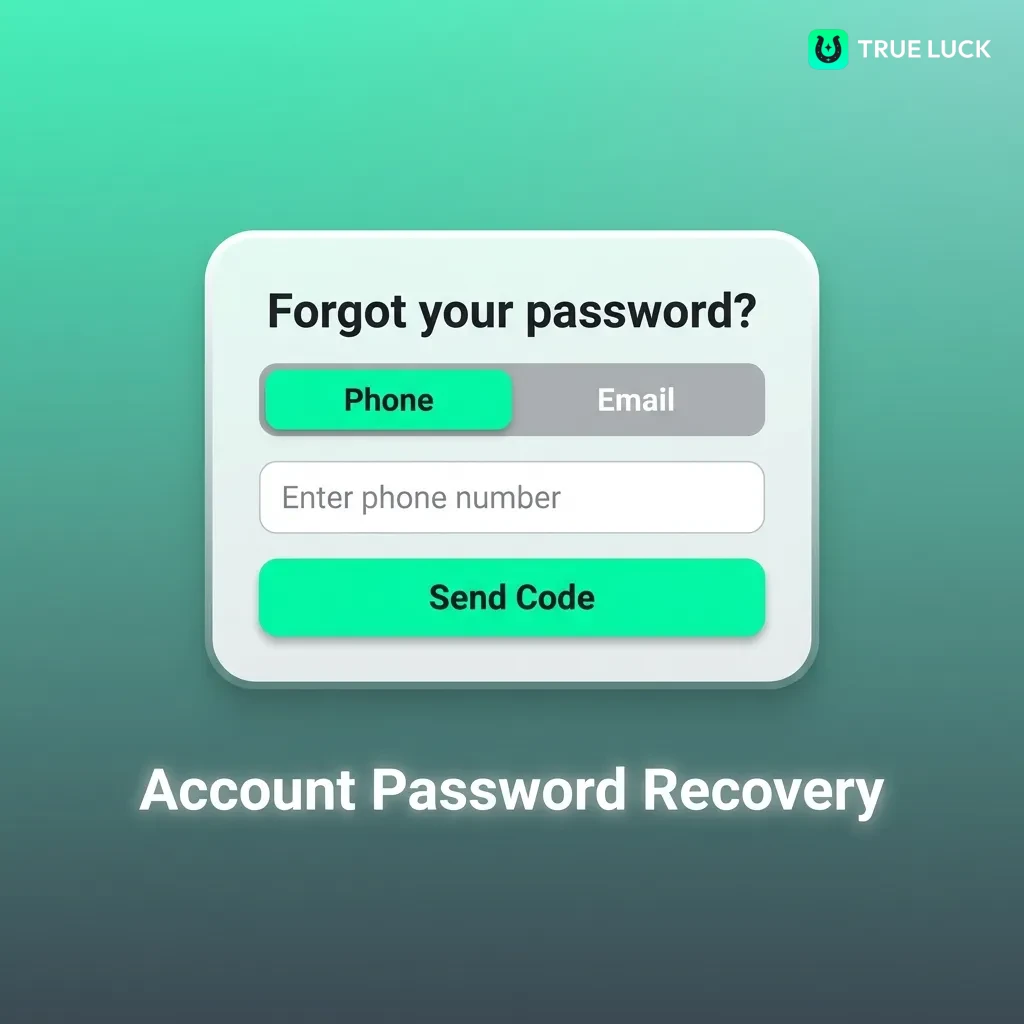
Account Password Recovery

If you forget your password, you can reset it in a few minutes. The recovery process uses your registered email or phone number to confirm your identity.

  1. Click the “Forgot password” link on the login page.
  2. Enter the email address or phone number linked to your profile.
  3. Check your inbox or messages for a recovery link or code.
  4. Click the link or enter the code to open the reset page.
  5. Create a new password, confirm it, and submit to regain access.
Password recovery screen showing step-by-step instructions for resetting account access via email or phone verification

Delete Your TrueLuck Account if Needed

You can close your profile permanently if you no longer want to use the platform. Common reasons include responsible gambling measures or switching to a different operator.

  1. Log in to your profile and go to the account settings page.
  2. Look for the “Close account” or “Delete profile” option in the menu.
  3. Confirm your decision and provide a reason if prompted.
  4. Withdraw any remaining balance before submitting the request, as closed accounts cannot be reactivated.
TrueLuck account deletion steps shown in settings menu with close account option highlighted

FAQ

Can I register multiple accounts on TrueLuck?

No, the platform allows only one profile per person. Creating duplicate accounts violates the terms and may result in permanent suspension.

How long does account verification take?

Most verifications complete within 24 hours. If your documents are unclear or don’t match your profile details, the team may request additional information.

Do I need to verify my account before making a deposit?

No, you can deposit and play before verification. However, you must complete the process before requesting a withdrawal.

Can I change my registered email address later?

Yes, contact customer support to update your email. You’ll need to confirm your identity and the new address before the change is processed.

What happens if I lose access to my registered phone number?

Contact support immediately to update your contact details. You may need to provide additional verification documents to confirm your identity.

Updated: